
Best Text to Image AI Tools in 2025: Compared and Ranked
The definitive comparison of the best text to image AI tools in 2025. We test image quality, speed, pricing, and use cases across the top models including FLUX, Imagen, and more.

The text-to-image AI landscape has shifted fast. Tools that were considered cutting-edge two years ago now struggle to keep pace with what the newest models produce.
This guide compares the best text-to-image AI tools available in 2025 — based on image quality, prompt fidelity, speed, pricing, and practical utility for real workflows.
What We Evaluated
We tested each tool across five criteria:
- Image quality — sharpness, coherence, realism or stylistic accuracy
- Prompt fidelity — how accurately the output reflects the written prompt
- Speed — time from prompt submission to first output
- Variety of styles — range of visual styles handled well
- Pricing and access — what you can do on a free tier vs. paid
1. FLUX.2 Pro / Max / Flex (Black Forest Labs)
FLUX.2 is currently the most capable model family for professional-grade text-to-image work. The suite covers three tiers:
- FLUX.2 Pro — highest quality, best for photography and commercial work
- FLUX.2 Max — maximum resolution, extended prompt comprehension
- FLUX.2 Flex — fastest generation, best for iterating quickly
What sets FLUX.2 apart is its prompt fidelity. It handles complex multi-element scenes, specific spatial relationships ("woman on the left, building in background on the right"), and intricate style combinations with unusual accuracy.
Best for: product photography, editorial illustration, professional creative work
Speed: Fast to Very Fast depending on tier
Available on: Berrioo Text-to-Image
2. Imagen 3 / 4 (Google DeepMind)
Google's Imagen family excels at photorealistic output with consistent, clean visual quality. Imagen 3 and 4 produce images with natural lighting and accurate proportions, making them strong choices for portrait and lifestyle photography prompts.
Imagen 4 in particular shows notable improvement in fine details — fabric textures, jewelry, and background depth all feel more dimensional than in previous versions.
Best for: portrait photography, lifestyle content, brand imagery
Speed: Medium
Available on: Berrioo AI Image Generator
3. Nano Banana (Berrioo Native Model)
Nano Banana is Berrioo's proprietary model family, trained specifically for speed and creative range. It handles stylized prompts — concept art, illustration, design mockups — with high consistency and low latency.
Nano Banana models are available without additional cost on Berrioo free tiers, making them the most accessible option for high-volume generation work.
- Nano Banana Pro — highest quality in the family
- Nano Banana 2 — optimized balance of speed and quality
- Nano Banana — fastest, great for rapid iteration
Best for: creative exploration, style iteration, concept art
Speed: Very Fast
Available on: Berrioo Text-to-Image, Model detail page
4. DALL-E 3 (OpenAI)
DALL-E 3 is deeply integrated with natural language, which makes it particularly good at understanding nuanced prompts and generating images where the composition follows conversational descriptions.
For prompts with specific storytelling elements or abstract concepts, DALL-E 3 often outperforms purely visual models. It tends to produce slightly more "illustrated" aesthetics rather than photorealistic outputs, though realism has improved considerably.
Best for: conceptual imagery, storytelling-driven prompts, illustration
Speed: Medium
Limitations: Not available on Berrioo (third-party API only)
5. Stable Diffusion XL / 3.5 (Stability AI)
Stable Diffusion remains relevant for advanced users who need local deployment, fine-tuning, and unlimited generation without recurring costs. SD XL and 3.5 can be self-hosted, trained on custom datasets, and extended with community LoRAs.
The tradeoff is setup complexity and the time required to tune models for specific use-case consistency.
Best for: power users, local deployment, custom training
Speed: Hardware-dependent
Limitations: Requires technical setup
Side-by-Side Comparison
| Tool | Quality | Prompt Fidelity | Speed | Free Tier |
|---|---|---|---|---|
| FLUX.2 Pro | ⭐⭐⭐⭐⭐ | ⭐⭐⭐⭐⭐ | Fast | Limited |
| Imagen 4 | ⭐⭐⭐⭐⭐ | ⭐⭐⭐⭐ | Medium | Yes |
| Nano Banana Pro | ⭐⭐⭐⭐ | ⭐⭐⭐⭐ | Very Fast | Generous |
| DALL-E 3 | ⭐⭐⭐⭐ | ⭐⭐⭐⭐⭐ | Medium | Limited |
| SD XL | ⭐⭐⭐⭐ | ⭐⭐⭐ | Variable | Self-hosted |
Which Tool Should You Use?
For professional product photography
Use FLUX.2 Pro or Max. The precision and resolution are unmatched for commercial applications. Available via the AI Image Generator on Berrioo.
For portrait and editorial content
Imagen 3 or 4 produces the most natural-looking portraits. Combine with Image-to-Image editing to refine outputs.
For creative exploration and high-volume generation
Nano Banana models give you the fastest iteration cycle with no per-image cost on the free tier. Ideal when you're testing 20–50 prompt variations.
For concept art and illustration
Any of the above models work, but use the text-to-image tool with explicit style prompts: concept art, digital illustration, matte painting, stylized. The Style Transfer tool also lets you apply an artistic style to images you've already generated.
Beyond Text-to-Image: The Full Workflow
The best results rarely come from text-to-image alone. A practical creative workflow often looks like:
- Generate a base composition with text-to-image
- Refine with image-to-image to adjust lighting, style, or mood
- Clean up any unwanted elements with background removal
- Upscale to final export resolution
All of these steps are available in a single platform:
Frequently Asked Questions
Which text-to-image AI model produces the most realistic photos?
FLUX.2 Pro currently produces the most photorealistic outputs for most prompt types. Imagen 4 is a close second, particularly for portraits.
Are text-to-image AI tools free?
Most tools offer free tiers with generation limits. Berrioo provides generous free credits that let you test all available models without a credit card.
How do I improve image quality from AI tools?
Use detailed prompts (subject, style, lighting, camera, quality terms), try multiple models, and use the image-to-image tool to refine promising base outputs.
Can I use AI-generated images commercially?
Most commercial-tier AI image tools grant commercial use rights for generated images. Check the specific terms for each model or platform you use.
The best way to find your preferred model is to run the same prompt across several options and compare results. The Berrioo AI Image Generator lets you do that without switching platforms.
For deeper head-to-head breakdowns, see: Berrioo vs Midjourney and Berrioo vs DALL-E 3. For e-commerce applications, the AI Product Photography use-case guide walks through the full workflow.
Related Reading
- How to Write AI Image Prompts That Actually Work
- Production-Grade Visual Intelligence: Integrating FLUX.2
- How to Remove Image Background: The Complete Guide
Read More

How to Write AI Image Prompts That Actually Work (2025 Guide)
Master the art of writing AI image prompts. Learn the exact structure, keywords, and techniques to write prompts that generate professional-quality images every time.

How to Remove Image Background: The Complete 2025 Guide
Learn how to remove image background from any photo in seconds using AI. Free tools, step-by-step instructions, and pro tips for e-commerce, design, and social media.
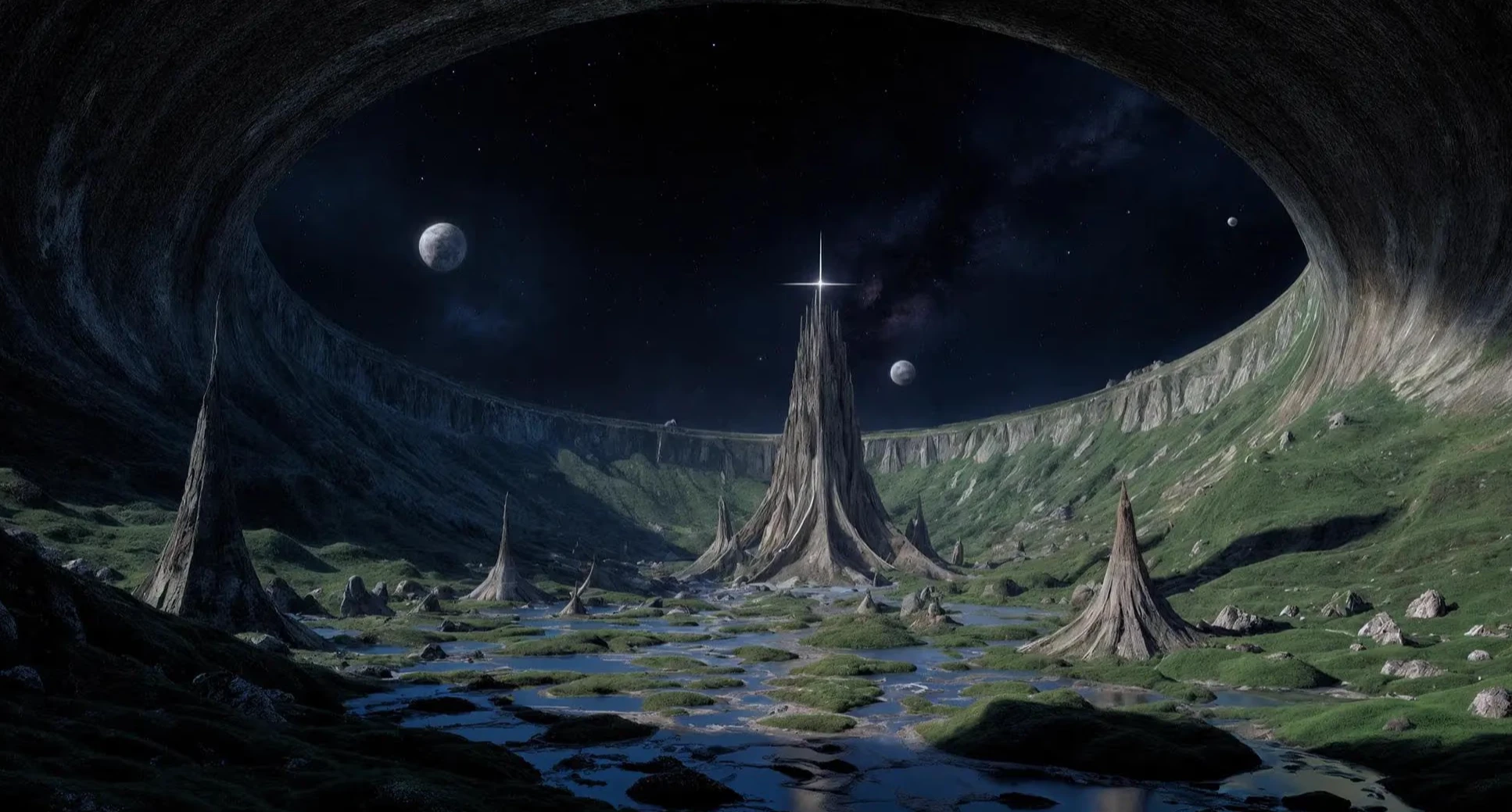
Production-Grade Visual Intelligence: Integrating FLUX.2
We've integrated Black Forest Labs' complete FLUX.2 capability suite. From multi-reference character consistency to 4MP photorealistic output, explore how FLUX.2 Pro, Max, and Flex are redefining professional workflows on our platform.